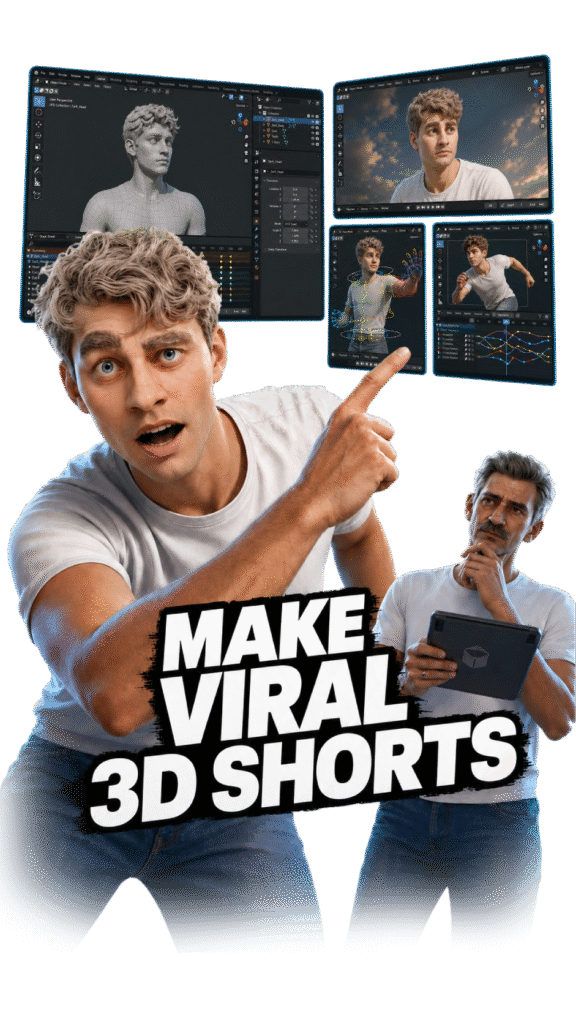
Learn the complete workflow behind Zack D Films-style 3D shorts: idea, script, character, animation, voice, editing, captions, render, and upload.
Strart Learning 3D Animation Right Now
You won’t just learn software. You’ll learn the full viral Shorts system.
Most people watch random Blender tutorials and still don’t know how to create a complete short. In this course, you will learn the full process from idea to upload: finding a viral topic, creating 3D scenes, animating characters, adding voice, editing, captions, sound effects and final render.
By the end, you will have your own 3D Shorts workflow ready for YouTube, Instagram Reels and portfolio use.
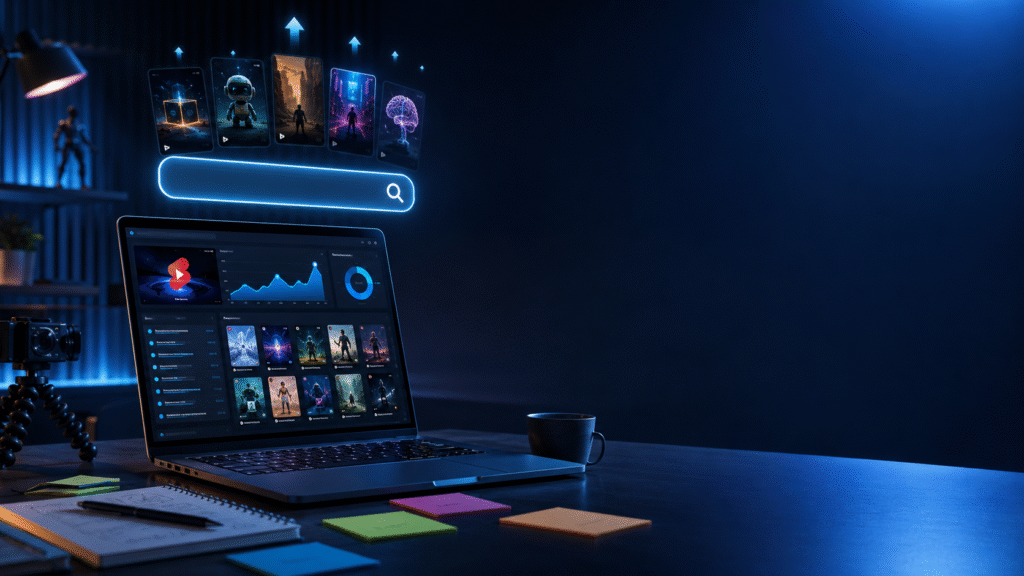
How to find viral short ideas
- Learn how to research trending YouTube Shorts and Instagram Reels topics.
- Understand what makes Zack D Films-style explainer videos interesting.
- Find topics from facts, science, mystery, history, health, tech, and daily-life questions.
- Convert one simple idea into a short 30-60 second script.
- Learn how to choose ideas that are easy to explain with 3D visuals.
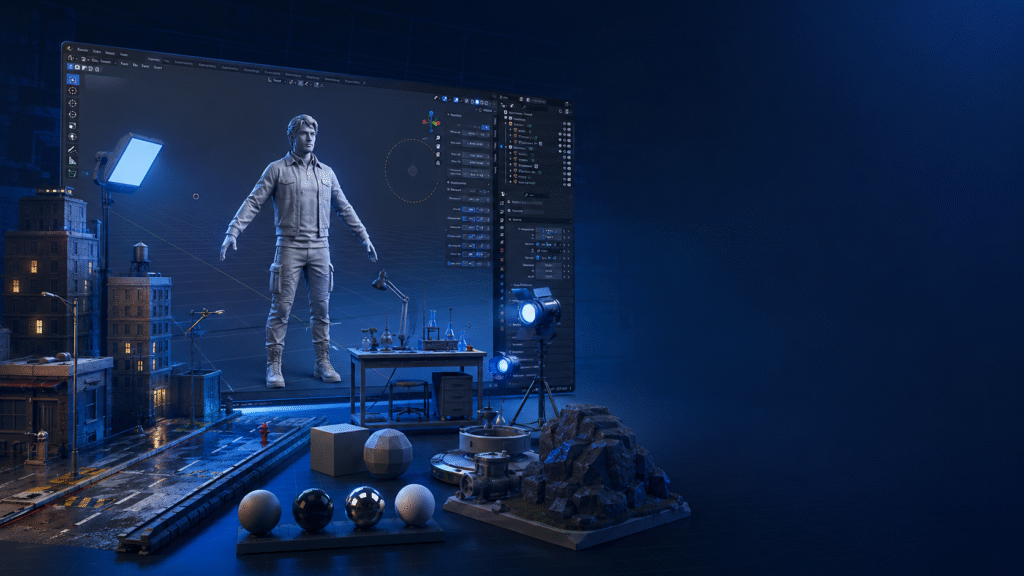
How to create 3D characters and scenes
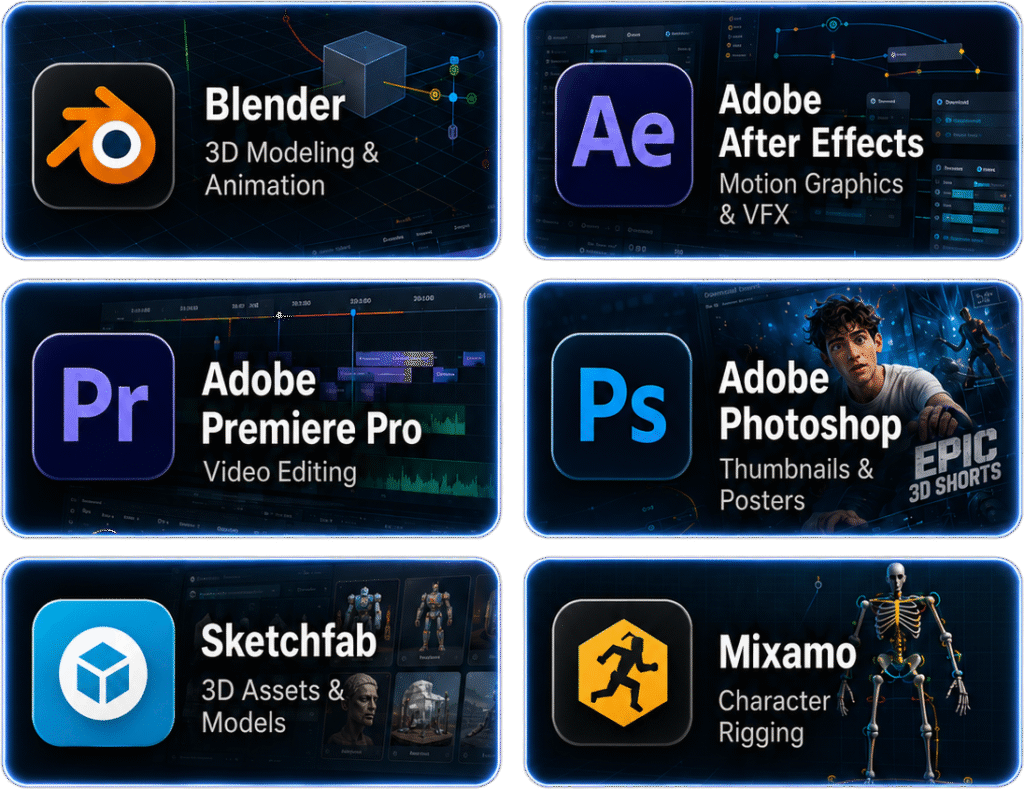
- Learn how to use Blender for basic 3D scene creation.
- Download and use ready-made 3D models, characters, and assets.
- Create simple environments like rooms, roads, labs, space, nature, or explainer scenes.
- Learn character setup using tools like Mixamo and Sketchfab.
- Build scenes that look cinematic but are beginner-friendly to create.
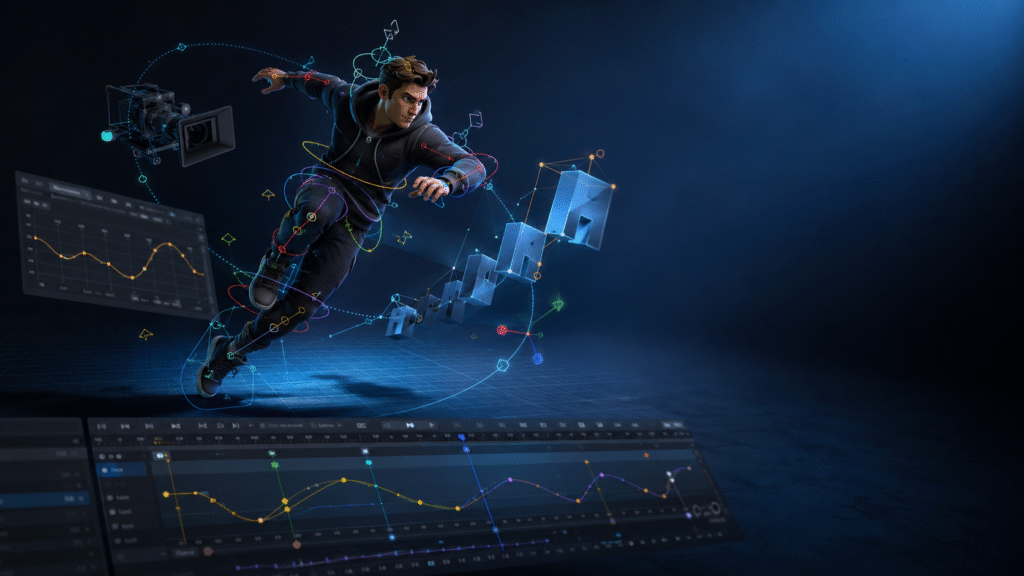
How To Animate Camera, Text And Characters
- Learn basic character movement and body animation.
- Add camera movement to make your video look dynamic.
- Animate text, labels, arrows, and explanation graphics.
- Use simple keyframes to control movement inside Blender.
- Make scenes feel engaging instead of static or boring.
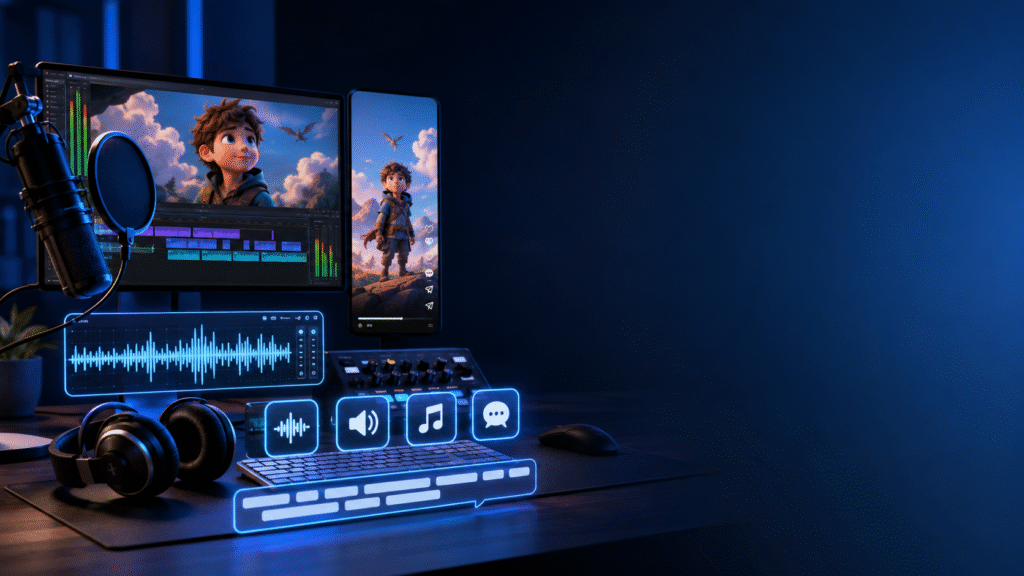
How To Add Voice, Sound Effects And Captions
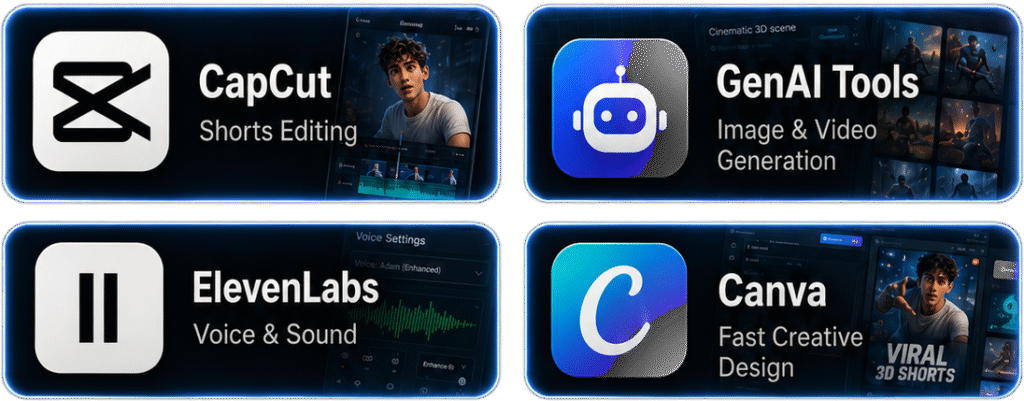
- Learn how to create or record voice-over for your Shorts.
- Add sound effects to make scenes more realistic and entertaining.
- Use captions/subtitles to improve retention and watch time.
- Sync voice, visuals, captions, and effects properly.
- Learn how to make your Shorts feel fast, clear, and professional.
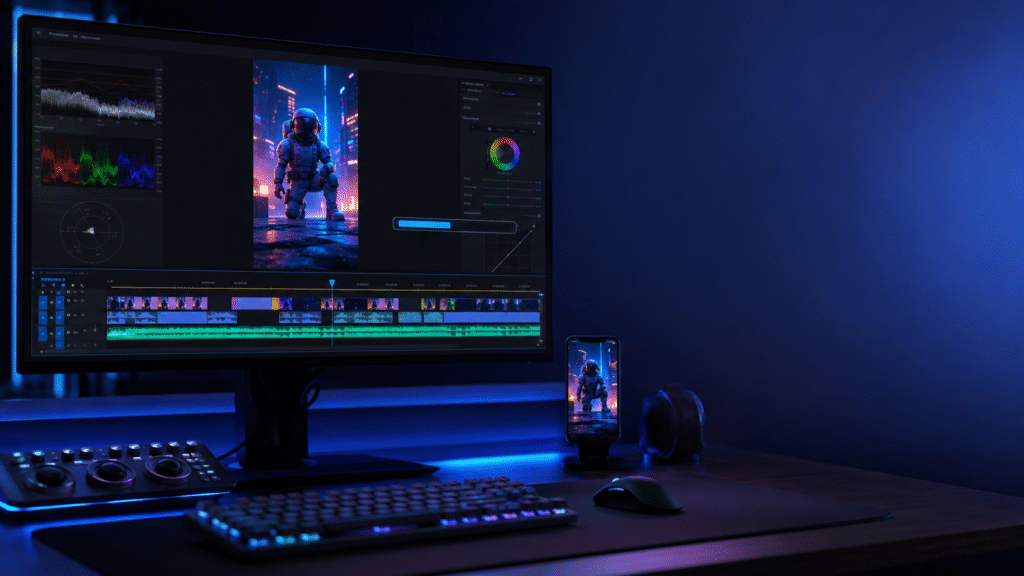
How To Render And Edit Shorts For YouTube/Reels
- Learn correct vertical video settings for Shorts and Reels.
- Export/render your animation from Blender.
- Edit final video using tools like CapCut, Premiere Pro, or similar apps.
- Add final music, zooms, effects, transitions, and captions.
- Prepare your final video for upload on YouTube Shorts, Instagram Reels, and portfolio.
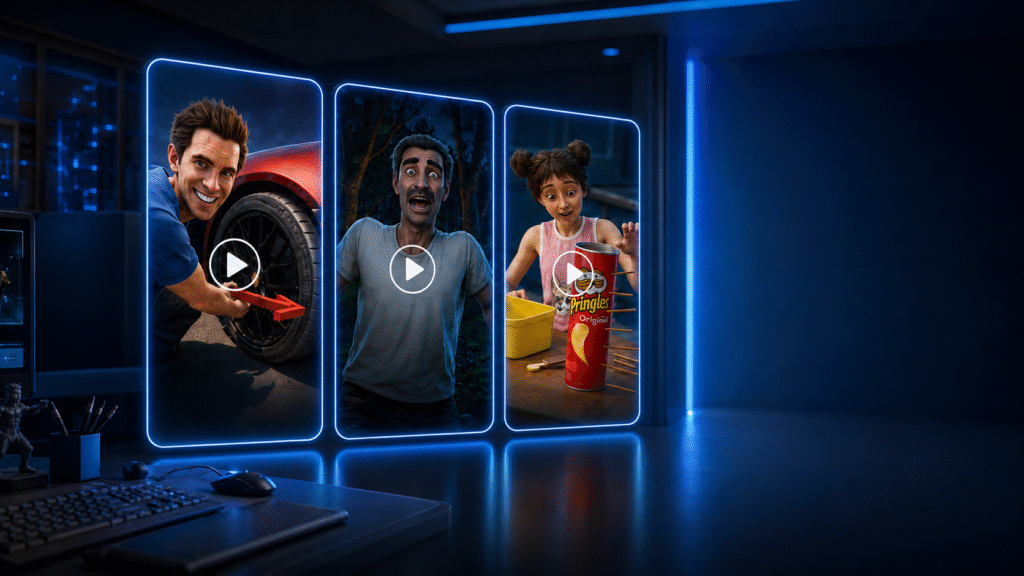
Final Projects You Will Build
- Build a complete viral-style 3D explainer Short from scratch.
- Create a character-based animation scene.
- Make a fact/storytelling Short with voice, captions, and sound effects.
- Recreate a Zack D Films-style workflow step by step.
- Finish with portfolio-ready Shorts you can upload or show to clients.
Srart Learning 3D Animation Right Now